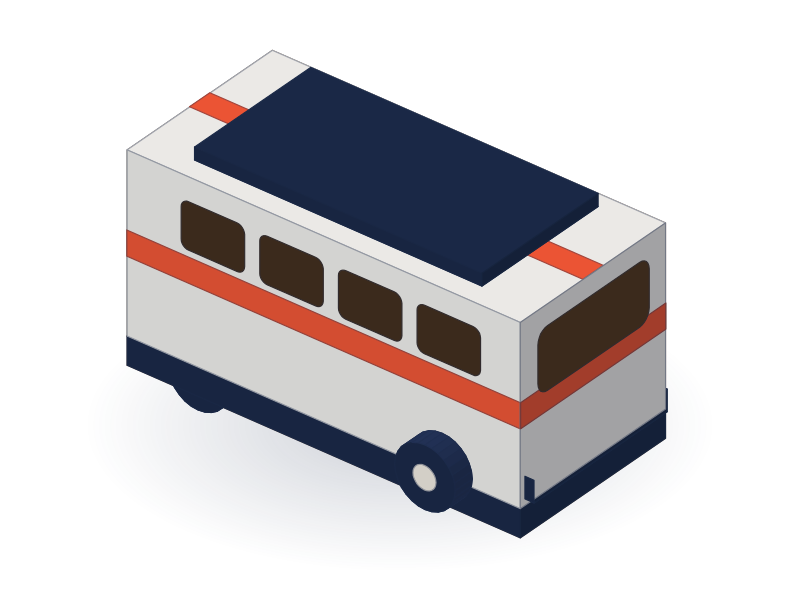
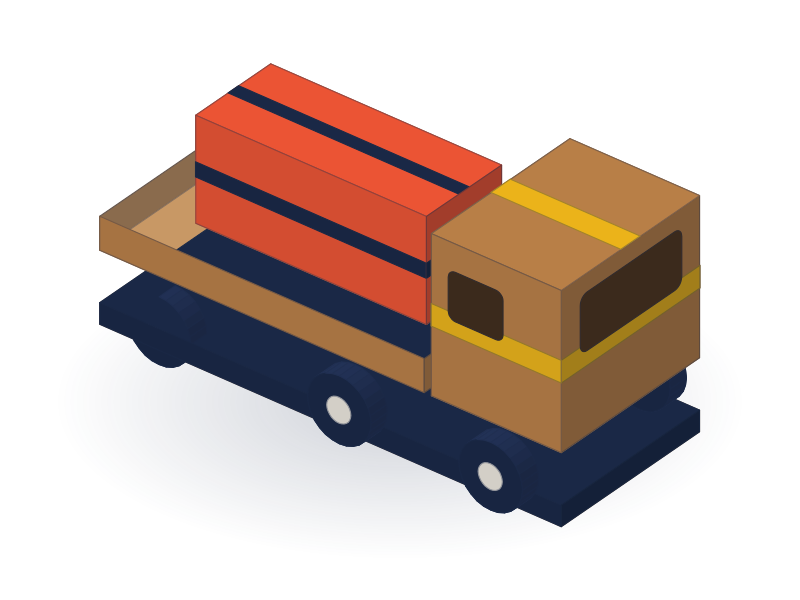
Step 1: Find the mounts
Turn the toy over. RC-ready toys have mounts in the chassis for the Brain, a Drive Pod at the back and a Servo Pod at the front.
Free courier delivery over R1,000 · Designed & made in Durban, South Africa
RC-ready Bhoksi toys have mounts built in. The Upgrade Kit's Brain and pods clip in, and the push-along becomes phone-controlled.
Use the arrows, swipe the step, or press ← → on a keyboard.
Turn the toy over. RC-ready toys have mounts in the chassis for the Brain, a Drive Pod at the back and a Servo Pod at the front.
Slide the Drive Pod into the back mount so its hub lines up with the back axle, and clip it in.
Clip the Servo Pod into the front mount and hook its arm onto the front axle bracket.
Clip the Brain into the middle mount. Plug the Drive Pod into port 1 and the steering pod into port 2.
Careful Switch the Brain off while you plug in.
Put the batteries in, switch on and connect your phone. The 'Set up your Bhoksi Brain' guide has every step.
One friendly email a month. Be first to hear when the Brain ships. Unsubscribe any time.
Your box (0)